


Sono molti i social a cui iscriversi al fediverso, ecco i più rappresentativi per gli utenti italiani:
| Mastodon | simile a twitter | mastodon.uno |
| Lemmy | simile a reddit | feddit.it |
| Pixelfed | simile a instagram | pixelfed.uno |
| Friendica | simile a facebook | poliverso.org |
| Peertube | simile a youtube | peertube.uno |
| Bookwyrm | simie a Goodreads | bookwyrm.it |
| Writefreely | simile a medium | noblogo.org |
| Mobilizon | simile a evenbrite | mobilizon.it |
| Castopod | simile a spreaker | castopod.it |
| Funkwhale | simile a Bandcamp e Soundcloud | funkwhale.it |
| Owncast | simile a Twitch | nostream |
Come rimanere aggiornati sul fediverso e tutte le risorse disponibili:
| video Fediverso | Cos'è il Fediverso |
| Il social media decentralizzato | Mastodon ed il Fediverso |
| Guida al Fediverso | Fediverso.info |
| Cos'è il fediverso | Il Fediverso |
| Social del fediverso | Fediverso |
| Come funziona il Fediverso | Cos'è il Fediverso |
| Social e Fediverso | i Social del fediverso |
| Account Mastodon | Fediverso e social network |
| Canale Telegram | Devol e fediverso |
| Mailing list | Devol e decentralizzazione |
Cos'è il fediverso?
Immagina che Twitter, Facebook, Instagram & Co facessero tutti parte di una rete gigantesca. Questo è fondamentalmente ciò che è il Fediverso, tranne il fatto che i social sono meno conosciuti, usano solo software open source e non hanno pubblicità.
Nel Fediverso è come se utilizzassi il tuo account "Twitter" per interagire con gli utenti "Facebook", condividere post "Instagram", commentare sotto i video "Youtube", ascoltare musica "Bandcamp", seguire blog "Blogger", prendere parte a discussioni "Reddit" e altro ancora.
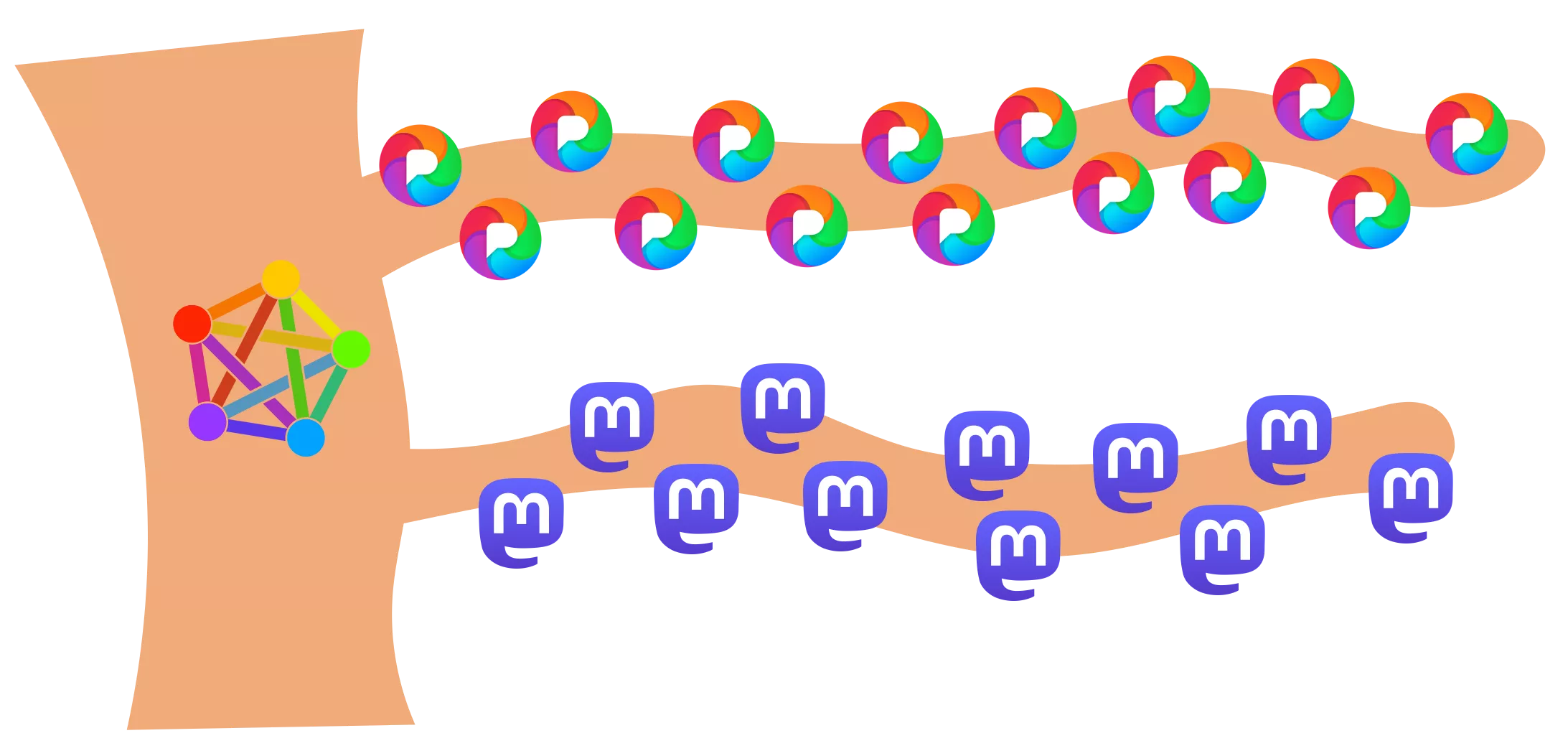
Come la posta elettronica
L'analogia migliore potrebbe essere la posta elettronica. È possibile creare un proprio server di posta elettronica, utilizzare il server di posta elettronica della propria azienda, Gmail, Outlook o altro. Ma - e questo è importante - potete inviare e ricevere e-mail a e da chiunque abbia un indirizzo e-mail valido.
Proprio come si può fare con un indirizzo Mastodon, alimentato non da SMTP ma dal protocollo ActivityPub.
L'idea è brillantemente semplice, è il modo in cui Internet dovrebbe funzionare - e ha sempre funzionato - e ha molti lati positivi.
Vantaggi
Le istanze sono gestite da individui o gruppi che stabiliscono le proprie regole. Ogni istanza ha quindi un'esperienza o una sensazione unica per l'utente. Ci sono molte istanze specifiche con comunità distinte.
Non c'è (teoricamente) un vero limite tecnico alla quantità di utenti che un'istanza può avere, ma la maggior parte delle istanze raggiungerà un limite massimo per mantenere l'istanza gestibile e la moderazione fattibile. Proprio come la maggior parte delle comunità della vita reale.
Poiché la moderazione viene fatta per istanza, questo rende la moderazione distribuita per default e quindi scalabile.
Federato? Che cosa significa?
Fediverso è l'acronimo di universo federato. Ma cosa significa veramente federato in questo contesto? È importante ricordare che la stragrande maggioranza delle applicazioni nel mio quadro può essere installata migliaia di volte e ognuna di queste istanze, o server, è di dimensioni diverse. Ognuna di esse ha le proprie regole e la propria proprietà e costituisce il proprio angolo del Fedireverse. Sono affezionato a queste spiegazioni fornite da Bonfire:
Un social network federato è un sistema decentralizzato, sviluppato e gestito da fornitori distinti (qualcosa di simile alla posta elettronica, ma per i social network). È costituito da più applicazioni e siti web sociali, in cui gli utenti di ciascun sito possono comunicare con gli utenti di qualsiasi altro sito compatibile.
Un'applicazione o un sito web che partecipa a una rete sociale federata è interoperabile con gli altri siti (noti come istanze) e si federa (recuperando e soprattutto inviando dati) con loro in base alle interazioni degli utenti. La comunicazione tra i siti sociali avviene attraverso protocolli di social networking, come ActivityPub.
Vantaggi di una rete federata:
- Robusta e resiliente
- Scala orizzontalmente
- I dati privati rimangono nell'istanza domestica di ciascun utente
- Ogni istanza è responsabile dei propri contenuti (moderazione delle discussioni, ecc.)
- Basata su standard ma anche estensibile
- Open Surce
Il Fediverso = ActivityPub
È ragionevole considerare il Fediverse come un insieme di strumenti e software che utilizzano il protocollo ActivityPub. Questo aiuta a comunicare la consapevolezza che tutte le applicazioni all'interno del Fediverse possono parlare tra loro.
Esistono altri protocolli per le reti sociali federate, come mostra l'infografica, e talvolta gli strumenti basati su ActivityPub sono in grado di scambiare informazioni con questi strumenti. Raccomanderei che gli strumenti che esistono solo su protocolli diversi da ActivityPub non siano considerati parte del Fediverse.
Si noti tuttavia che l'idea del Fediverse è in evoluzione e non è sempre stato così con ActivityPub come nucleo centrale, e non sarà necessariamente così per tutti i futuri
Come si confronta con i social media tradizionali?

Il Fediverso e i suoi progetti consentono di rendere i propri social media parte di una rete più ampia.
Ha molti vantaggi rispetto ai social tradizionali come Twitter e Instagram. Grazie alla sua natura decentralizzata è possibile creare cerchie di social più ristrette con cui interagire. L'hosting della tua istanza ti consente di creare le tue regole. La maggior parte dei proprietari di istanze gestisce un'istanza con i propri soldi per avere la propria piattaforma e non per fare soldi da te pubblicando annunci come esempio.
I social media tradizionali non sono né social né media. Non sono fatto per te, sono fatto per sfruttarti ed è pieno di pubblicità fuorvianti e notizie false.Questo perché l'obiettivo dei social media tradizionali è quello di fare un sacco di soldi.Lo scopo del Fediverse è quello di beneficiare la gente.L'obiettivo dei social media tradizionali è quello di controllare e guidare gli utenti.Lo scopo del Fediverso è quello di consentire agli utenti di controllare il Fediverso.
I progetti e le istanze di Fediverse sono gestiti da volontari e sono stostenuti solo da donazioni.
Terminologia
Il vostro account o identità ha un indirizzo unico chiamato handle ed è ospitato su uno dei tanti server, chiamati anche istanze.
Un'istanza è fondamentalmente un piccolo social network ospitato su un server. Ogni istanza può avere un proprio insieme di regole relative ai contenuti consentiti. È anche possibile ospitare la propria istanza.
Ogni istanza esegue un software. Il software utilizzato in un'istanza è essenziale per l'esperienza e le possibilità dell'utente.
Molti progetti software utilizzano lo stesso protocollo che consente alle istanze di comunicare tra loro. La maggior parte dei progetti software utilizza Activity Pub. Alcuni progetti potrebbero non avere ancora una federazione completa con altri progetti.
Il Fediverso (universo federato) è la somma di tutti gli account, su tutte le istanze che utilizzano qualsiasi software e comunicano con qualsiasi protocollo. Il Fediverso non comprende solo i progetti di social. Qualsiasi software che si federa utilizzando uno dei protocolli fa parte del Fediverse.
@onu.nodotsam@erotartsinimma è un esempio di handle. Mastodon.uno è l'istanza in cui si trova l'account. Il software che utilizza è Mastodon. Grazie al protocollo ActivityPub, può seguire gli account di altre istanze che utilizzano Mastodon o Pixelfed, ad esempio.
Come posso ottenere un account?
Se vuoi solo conoscere l'esperienza Fediverse puoi iniziare creando un profilo su mastodon.uno oltre ad essere il social italiano del fediverso più attivo è anche il social degli attivisti per il software libero e per i diritti digitali e da cui è nato il movimento italiano di degooglizzazione.
Come seguire il fediverso?
Citando "The revolution won't be telivised" una poesia satirica e una canzone di Gil Scott-Heron. Non potete seguire il fediverso sulle storie di Instagram, non vi arriverà in diretta streaming su Twitch, non sarà una campagna su facebook, e nemmeno un retweet su Twitter/X.
Il fediverso non è un video virale su tik tok o youtube, non lo vedrete passare su linkedin e snapchat, il fediverso è una moltitudine diffusa e variegata.
Possiamo però consigliarvi come punto di partenza alcuni canali di chi il fediverso è stato il pioniere in Italia e che aggiorna migliaia di iscritti nella newsletter sul fediverso dei devol e il canalte telegram sul fediverso sempre dei devol.
Chi siamo?

Siamo un un movimento di resistenza digitale formatosi spontaneamente nel fediverso. Un gruppo di compagni di viaggio saliti a bordo del fediverso per creare siti, istanze, eventi, incontri, campagne di sensibilizzazione e lotte per le libertà digitali da una prospettiva interna. Siamo un collettivo di attivisti digitali, da sempre nel fediverso sotto varie forme. Siamo sistemisti, moderatori, semplici utenti, volontari, appassionati, siamo una moltitudine di persone che lotta per un mondo digitale più libero.
Tutto il contenuto di questo sito è distribuito con licenza libera copyleft: Creative commons attribuzione